Alerts or Automation for TradingView: 2–4 Week Test, SEC/CFTC Steps
Choose alerts if you need final control and verification; choose automation if you need disciplined, repeatable execution and can implement safeguards. Alerts suit traders who want a human check before money moves, including swing and position traders with time to react. Automation suits traders who need speed and consistency, provided they build real safeguards around tools like TradingView alerts and indicators such as Big Move Algo.
TL;DR:
- Scalpers and traders of fast breakouts need automation due to the critical importance of reaction speed, while swing and position traders generally rely on alerts.
- TradingView alerts only notify; converting them into trades requires webhooks, middleware, and secure validation steps to prevent failures or security risks.
- Running automated systems safely involves thorough testing, setting conservative limits, and monitoring logs to catch failures and prevent significant losses.
- Regulation concerns include verifying broker registration, avoiding offshore or crypto-only deposit requests, and testing automation in demo accounts before live trading.
- Big Move Algo offers both AUTO Mode for minimal setup and Manual Mode for final review, emphasizing starting small and validating signals before scaling.
Table of Contents
- Pros and cons: alerts versus automated execution
- How TradingView alerts become trades: webhooks, payloads, and bridges
- Decision framework: a checklist to choose alerts or automation
- Regulatory, fraud, and operational risks, and how to mitigate them
- Safe setup checklist: test, validate, and monitor automation
- Why we built AUTO Mode and Manual Mode
- If you choose automation, how Big Move Algo fits in
- FAQ
- Sources
Pros and cons: alerts versus automated execution
Alerts and automation solve different problems, and the right pick depends on how fast your strategy needs to move and how much oversight you want on every trade.
Speed matters most for scalpers and anyone trading fast-moving breakouts, where a few seconds of delay between notification and manual order entry can erase the edge. Swing and position traders usually have minutes or hours of room, so a notification works fine. Control cuts the other way: alerts give you a last look at price action and news before you commit capital, while automation removes that pause by design, trading discipline for hands-off consistency. Complexity and cost rise fast once you add automation, since you are now managing broker API connections, a webhook receiver, and often a subscription on top of your data feed.
Failure modes differ too. Alerts can arrive late, get missed during a busy session, or fire on a repainting signal that looked different in hindsight. Automated systems carry those same risks plus new ones: webhook throttling, a bug in the execution script, or an unintended duplicate order.
- A scalper chasing five-minute setups generally needs automation or loses the trade to reaction time.
- A swing trader checking charts twice a day is usually better served by alerts and manual entries.
- A position trader holding for weeks rarely needs either speed, and can rely on alerts alone.
How TradingView alerts become trades: webhooks, payloads, and bridges
An alert on TradingView is just a notification. It does not place an order by itself. To turn that notification into a trade, the alert message has to travel somewhere that can act on it, and that is where webhooks and middleware come in.
- TradingView builds the alert message using placeholders like
{{strategy.order.action}}and{{strategy.order.price}}, which carry the order’s intent and price without you typing them manually, as explained in TradingView’s variable placeholder guide. - The alert fires to a webhook URL, where a receiver or middleware service validates the payload, strips out anything suspicious, and authenticates the request before passing it along, as explained in Blockchain Webhooks & Event Notifications | Chaingateway.
- The receiver enqueues the order for execution, ideally with rate limiting and a logged record of what was sent and when, following the pattern described in our guide to sending alerts to a broker.
- The broker or exchange API receives the final instruction and executes, assuming pre-trade checks pass.
TradingView explicitly warns against sending credentials or passwords through webhooks, since a leaked webhook URL could expose login data to anyone who intercepts it, according to TradingView’s webhook credentials guidance. TradingView also caps how often an alert can trigger in a short window and will halt alerts that fire excessively, so any automation built on top needs to account for that ceiling rather than assume unlimited signal frequency.
Decision framework: a checklist to choose alerts or automation
Before picking a side, run through your own constraints rather than your preferred outcome.
Personal factors come first: your trading timeframe, how much capital you risk per trade, your comfort writing or configuring code, how much time you can spend monitoring positions, and your tolerance for an order executing without a final human check. Operational factors matter just as much, including whether your broker supports API order placement, how much latency your strategy can tolerate, and what an integration actually costs once you add middleware and subscription fees.
- Test your signal quality with alerts alone before automating anything.
- Paper-trade the automated version once the signal looks reliable.
- Deploy with strict stop-losses and close monitoring before scaling up.
Pro Tip: Cap your first automated deployment at a small, fixed percentage of total trading capital so a bug or a bad signal cannot do lasting damage while you confirm the system behaves as expected.
Regulatory, fraud, and operational risks, and how to mitigate them
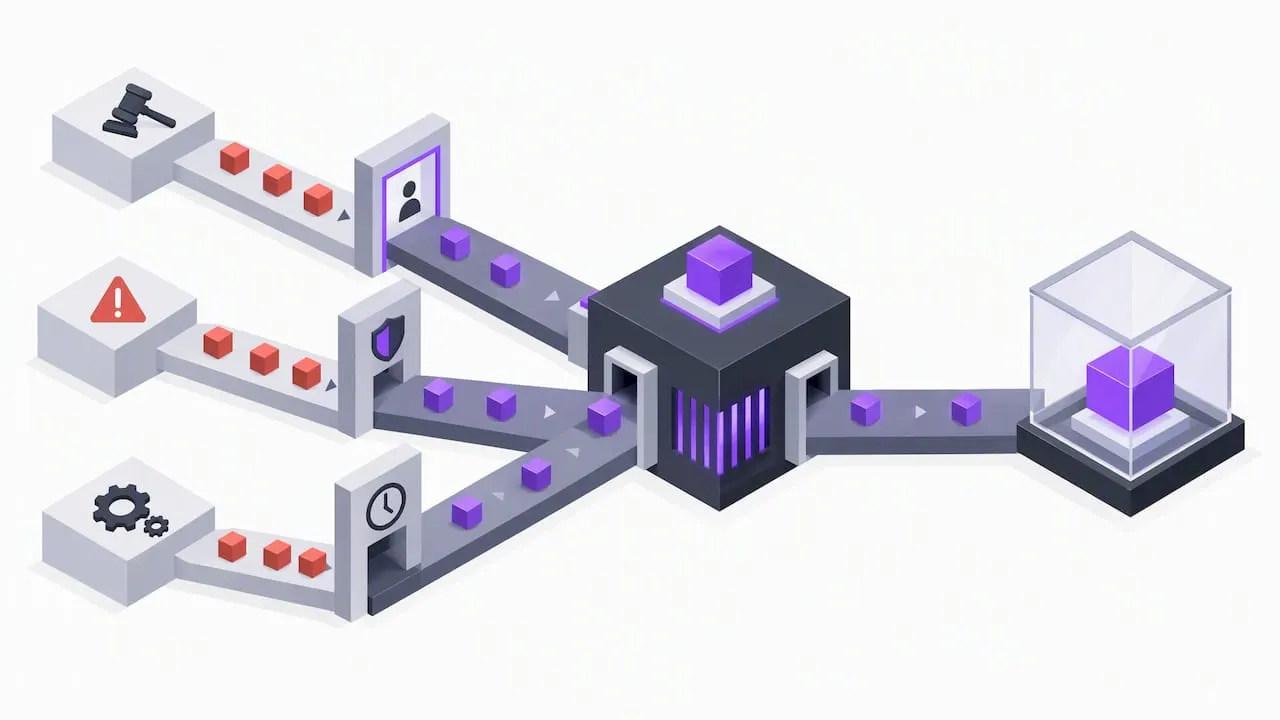
Running your own automated order entry on your own account is different from offering discretionary trading decisions to other people, and the line matters: the latter can trigger registration obligations that a personal webhook-to-broker setup does not. Where automation shades into advice given to others, oversight requirements apply.
Regulators have flagged specific fraud patterns worth knowing. The CFTC warns that “autotraders” and promises of guaranteed returns are common red flags in forex-related schemes, and recommends verifying any dealer’s registration and using demo accounts before risking real funds. Separately, the SEC has observed that firms offering automated investment advice often lacked adequate testing and oversight of those systems, which supports building independent checks rather than trusting a script blindly.
- Verify any broker or signal provider’s registration before connecting funds.
- Treat offshore-only dealers or crypto-only deposit requests as warning signs.
- Run new automation on a demo or paper account before committing live capital.
- Set hard position caps and log every execution event for later review.
Safe setup checklist: test, validate, and monitor automation
Moving from alerts to automation safely is a sequence, not a single switch.
- Run your strategy as alerts only for two to four weeks, logging timestamps and the price action that followed each signal, and watch for repaint behavior the way we outline in avoiding repaint-associated losses.
- Build or adopt a webhook receiver that strips credentials, validates incoming payloads, and sends back an acknowledgment, following the verify-acknowledge-enqueue pattern in our webhook engineering guide.
- Paper-trade or live-simulate the automated version for a comparable stretch, watching for TradingView’s alert frequency limits and any gaps in your system logs.
- Deploy conservatively with hard stop-losses, position caps, and automated health checks, and set a separate alert that fires if an execution fails rather than assuming silence means success.
Pro Tip: Treat a missed execution-failure alert as seriously as a missed trade signal, since a silent failure in live automation can run unnoticed for hours.
Why we built AUTO Mode and Manual Mode
We designed Big Move Algo around the same tradeoff this article walks through. AUTO Mode exists for traders who want discipline and minimal setup, generating Long, Short, and Exit signals without requiring a review of every setting. Manual Mode exists for traders who want final say before a position opens, using the same signal engine with more room to adjust. Our Fake Trend Detector filters out low-quality conditions in both modes, so neither path trades blindly into choppy markets. If you are weighing alerts against automation, we suggest starting on a demo or paper account in whichever mode matches your comfort level before committing real capital.
— Steven Hartwell
If you choose automation, how Big Move Algo fits in
If the decision framework above points you toward automation, we built Big Move Algo to make that step less risky, not more complicated. Our TradingView indicator analyzes markets in real time across crypto, forex, stocks, indices, and commodities, and delivers clear Long, Short, and Exit signals through both AUTO Mode and Manual Mode.
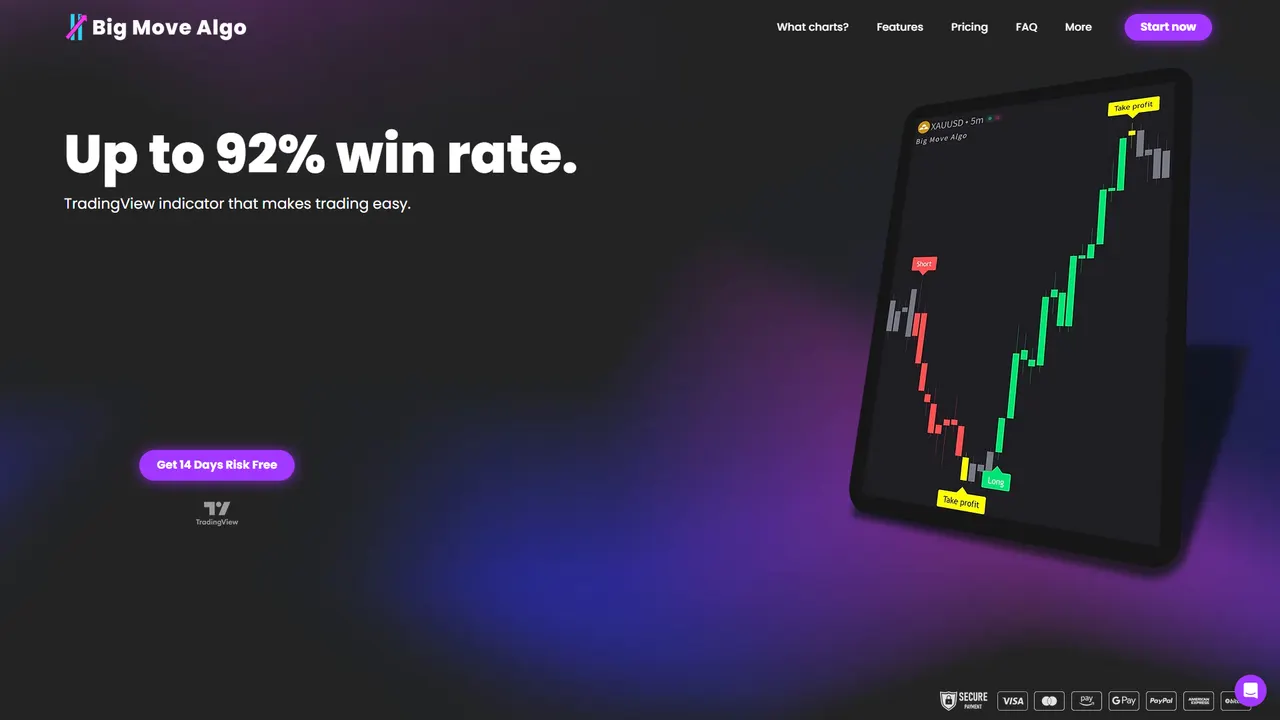
- AUTO Mode handles structured execution with minimal setup for traders who want consistency.
- Manual Mode keeps you in the loop for final confirmation on every signal.
- The Fake Trend Detector filters out weak setups before they reach either mode.
We recommend starting small: paper-trade the signals, confirm they match your risk tolerance, then move to a live account with the position caps discussed earlier. Our plans and pricing start at $55 a month for Version 2, with Version 3 Plus at $79 a month for traders who want the fullest feature set, and annual billing available on every tier at Bigmovealgo.
This article is general information, not a substitute for advice from a qualified financial advisor. Consult a qualified financial professional about your own circumstances before acting on anything here.
FAQ
Can TradingView alerts place trades automatically?
No, a TradingView alert is a notification by itself. It only triggers an actual trade when connected through a webhook to a receiver or bot that sends the order to a broker, as described in TradingView’s strategy alerts documentation.
Is it safe to send broker credentials through a TradingView webhook?
No, TradingView explicitly advises against including passwords or login credentials in webhook messages, since a compromised webhook URL could expose that data. Use an authenticated receiver that keeps credentials separate from the alert payload, following TradingView’s webhook security guidance.
What is the biggest risk with autotraders in forex and crypto?
The CFTC warns that guaranteed-return promises and unregistered “autotrader” dealers are common fraud patterns, especially those requesting offshore or crypto-only deposits. Verify any provider’s registration and test with a demo account before risking funds, per CFTC guidance on reducing forex fraud risk.
Does Big Move Algo support both alerts and automated execution?
Yes, Big Move Algo offers AUTO Mode for streamlined, low-setup signal execution and Manual Mode for traders who want final confirmation before entering a trade. Both modes run on the same real-time signal engine across crypto, forex, stocks, indices, and commodities, with plans detailed on our pricing page.
How often can a TradingView alert trigger before it gets throttled?
TradingView halts alerts that fire excessively within a short window to prevent spam and system abuse, so traders need to design conditions that avoid repeated rapid triggers. Review TradingView’s alert frequency documentation when building any automated strategy around alert signals.
Sources
- Strategy alerts — TradingView Help Center
- Four Things That Can Help Reduce Your Risk of Forex Fraud | CFTC
- Observations from examinations of advisers that provide electronic investment advice | SEC