TradingView Alerts to OANDA for Traders: Demo First, Then Webhooks
Yes, you can trade from TradingView to OANDA. Use the Trading Panel for manual chart trading, or combine TradingView alerts with webhooks to automate orders through OANDA’s API. Pick the Trading Panel for hands-on chart trading, and reserve webhook automation for after you’ve tested it thoroughly on a demo account.
TL;DR:
- The Trading Panel is free for OANDA clients and supports market, limit, and stop orders, but only for instruments OANDA offers.
- For automation, validate a secret token and timestamp, deduplicate alerts with a stable client order ID, and never place OANDA API credentials in TradingView scripts.
- TradingView webhook alerts require authentication with two factors, while alert capacity and frequency depend on your plan, so verify both before setup.
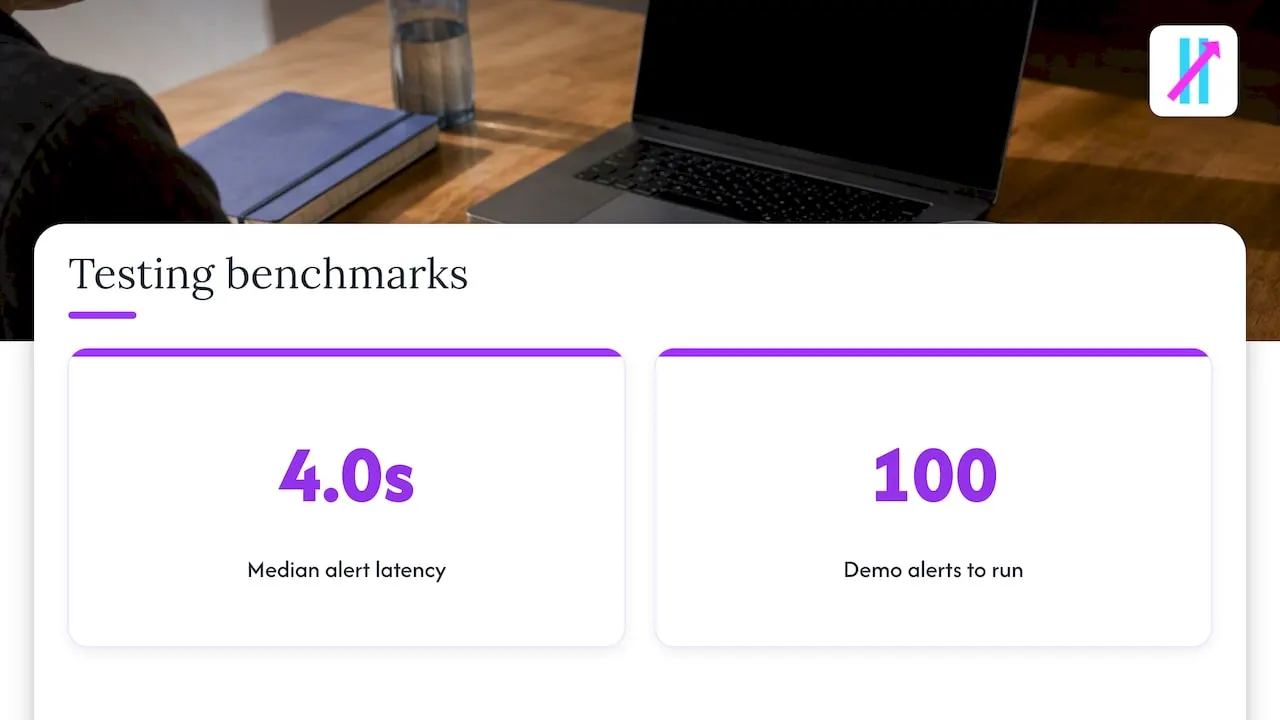
- Run at least 100 logged sample alerts on a demo account, then test small live trades and scale position size gradually while keeping manual overrides.
- Testing found median alert delivery took 4.0 seconds, so strategies in fast markets should account for delays when setting entries and stops.
Table of Contents
- Prerequisites and quick checklist before you start
- How to connect OANDA to TradingView using the Trading Panel
- Webhook automation: reliable architecture and security patterns
- Payload examples and Pine Script tips for robust automation
- Diagnose and fix the most common failures
- Publisher testing notes and practical benchmarks
- Author perspective: recommended rollout plan for automation
- How Big Move Algo simplifies alerts to execution with TradingView and OANDA
- FAQ
- Sources
Prerequisites and quick checklist before you start
Before touching either integration path, confirm your accounts and permissions are actually ready. A rushed setup is the most common reason alerts fail or orders get rejected later.
- Open or confirm an active OANDA account (demo or live) with API access enabled.
- Turn on two-factor authentication on TradingView, since webhook alerts require it.
- Check that your TradingView plan supports the number of alerts and webhooks you plan to run.
- Decide your path early: Trading Panel for no-code manual trading, or webhook automation if you’re comfortable building or hosting a receiver.
- Set up a demo account alongside a basic logging and idempotency plan before any live testing.
Skipping the demo phase is where most automation projects run into trouble, usually in the form of duplicate orders or silent failures that go unnoticed until a position is already open.
How to connect OANDA to TradingView using the Trading Panel
The quickest, fully supported way to trade OANDA directly from TradingView is the built-in Trading Panel. OANDA’s own integration lets you place and manage live trades directly from the charting platform, and it’s free for OANDA clients, according to OANDA’s TradingView integration page.
- Open a chart on TradingView and select the Trading Panel, or find OANDA’s broker profile and click “Trade.”
- Authorize the connection by entering your OANDA account credentials and completing the setup wizard.
- Choose your order type directly from the panel: market, limit, or stop.
- Set your stop loss and take profit levels before submitting the order.
Orders placed this way execute on OANDA’s servers, and you’re limited to instruments OANDA actually offers, so exotic pairs or unsupported markets won’t show up in the panel.
Pro Tip: Test the Trading Panel connection with a small demo order first; it confirms your credentials and permissions without putting real capital at risk.
Webhook automation: reliable architecture and security patterns
Automation requires a different architecture than the Trading Panel. The basic flow: a TradingView alert fires a webhook, a receiver validates and deduplicates it, translates the payload, calls the OANDA REST API, then logs the result and acknowledges the request. Developer examples, including a public TradingView-to-OANDA script, show this pattern working in practice: alerts post to a webhook receiver that authenticates and maps the payload to OANDA API calls.
Security matters as much as the logic itself.
- Require a secret token in every incoming payload and reject requests that don’t match it.
- Validate the timestamp on each alert to block replayed or stale requests.
- Rotate your OANDA API tokens on a regular schedule and never hardcode them in client-side scripts.
- Host your receiver on infrastructure you control, with HTTPS enforced end to end.
Idempotency is the piece most setups get wrong. Store a hash of recent alerts, or attach a client order ID plus timestamp to each request, so a retried webhook never results in two live orders instead of one. Before going anywhere near a live account, run the full chain on a demo account with simulated alerts and check the logs line by line to confirm the payload mapping behaves the way you expect.
Pro Tip: Log every incoming webhook payload, even the ones you reject, so you can diagnose formatting issues without waiting for the next live alert.
Payload examples and Pine Script tips for robust automation
A clean, predictable JSON payload makes the receiver’s job far easier and cuts down on parsing errors.
- Structure your payload with explicit fields:
action,symbol,side,units,orderType,price,sl,tp,clientOrderId, andts. - In Pine Script, build the alert message as a stringified JSON object and include a stable
clientOrderIdtied to the bar time, which helps your receiver spot duplicates. Our guide to Pine Script in TradingView walks through the syntax for this in more detail. - Map your TradingView ticker symbols to OANDA’s instrument naming convention explicitly, since the two rarely match character for character, and handle decimal precision and lot sizing on the receiver side rather than assuming TradingView’s defaults.
- On the receiver, validate every payload against a schema, confirm the symbol maps to a known OANDA instrument, and reject anything with numeric values outside a sane range before it reaches the order call.
Diagnose and fix the most common failures
Most integration problems fall into a handful of repeatable categories, and nearly all of them trace back to alert configuration rather than the OANDA API itself.
- Duplicate alerts: switch to bar-close triggers instead of tick-based alerts, add server-side deduplication, and use a stable client order ID so repeated webhooks don’t create repeated orders.
- Alerts not triggering: check your TradingView alert limit for your plan, confirm the webhook URL is typed correctly, verify 2FA and webhook permissions are active, and recheck plan-specific restrictions on alert frequency.
- HTTP errors and timeouts: make sure your webhook endpoint returns a 2xx response immediately and pushes any slow processing into a queue rather than blocking the response.
- Order rejections from OANDA: check that your instrument mapping is correct, confirm you have sufficient margin, and validate that every required parameter is present and in range before the call goes out.
Community threads on sites like Stack Overflow document these exact failure modes repeatedly, which tells you they’re configuration issues, not platform bugs.
Publisher testing notes and practical benchmarks
Our own testing found a median alert latency of 4.0 seconds from alert trigger to webhook delivery, a reasonable baseline to plan around when sizing stops and entries for fast-moving markets. A Fake Trend Detector is designed to filter out low-quality setups before they generate a signal, which can reduce the number of marginal triggers an automated system processes. Before relying on any automated path, we recommend running at least 100 sample alerts on a demo account with full logging to confirm the mapping holds up under real market conditions.
Author perspective: recommended rollout plan for automation
Start with demo automation, move to small live test trades, then scale position size gradually. Keep manual overrides active and automate entries before exits. Patience here beats speed.
— Steven Hartwell
How Big Move Algo simplifies alerts to execution with TradingView and OANDA
Our indicator generates clear Long, Short, and Exit signals built to feed directly into the webhook automation pattern described above, so you’re not starting from a blank chart and guessing at entry logic. Access is instant after subscribing through our plans page, and if you need to switch which TradingView account your subscription is linked to, our account change page walks through it.
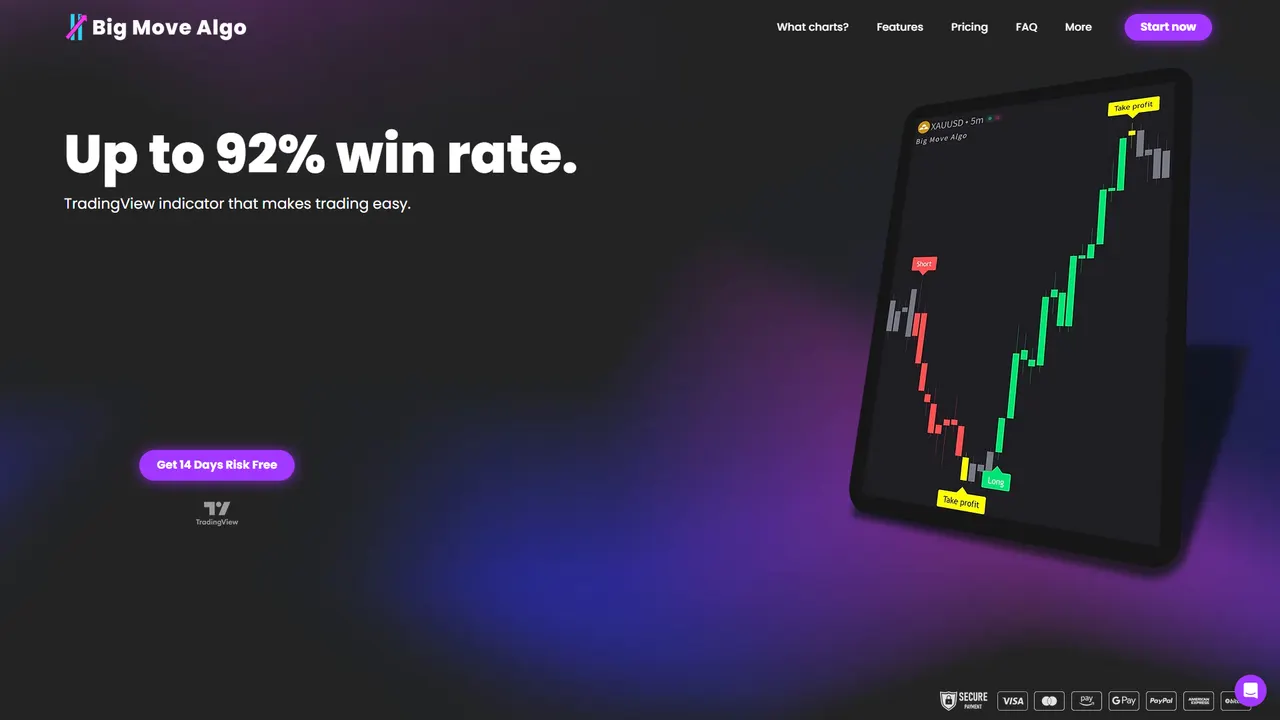
- Our AUTO Mode signals require minimal setup, while Manual Mode gives experienced traders more control over entries.
- The Fake Trend Detector filters out weak setups before they generate a signal, which matters most once automation removes the human pause before execution.
- We recommend testing any automated workflow on a demo OANDA account first, exactly as outlined in the testing steps above, before connecting a live account.
Visit our plans page to get started.
FAQ
Can I use OANDA with TradingView?
Yes, OANDA integrates directly with TradingView through the Trading Panel, letting you place and manage trades from the chart, as confirmed on OANDA’s integration page. Automated setups are also possible using TradingView alerts and webhooks connected to OANDA’s API.
Can I get free alerts on TradingView?
TradingView offers alerts on its free plan, though the number of simultaneous alerts and webhook functionality depend on your plan tier. Webhook-based alerts specifically require two-factor authentication to be enabled on your account, as noted on OANDA’s blog.
Why are my TradingView alerts not triggering?
The most common causes are an incorrect webhook URL, 2FA not enabled, or hitting your plan’s alert limit. Double-check each setting, then test with a single manual alert before troubleshooting the full automation chain.
How do I connect TradingView to OANDA?
Open a chart, select the Trading Panel, choose OANDA, and authorize the connection with your OANDA credentials to trade manually, as described on OANDA’s TradingView education page. For automated execution, build a webhook receiver that translates TradingView alert payloads into OANDA API order calls.
Sources
- OANDA x TradingView - a perfect combination to execute your trading strategy
- tradingview-to-oanda/oanda.py at master (GitHub)