
First Trading Platform Checklist for New Traders


A first trading platform checklist is a structured list of criteria every new trader should verify before committing to a platform, covering security, usability, risk tools, and regulatory compliance. Skipping this evaluation is the most common reason beginners lose money before they place a single trade. The right platform protects your capital, matches your skill level, and scales with you. This guide walks through each item on the checklist, explains why it matters, and compares real platforms so you can make a confident, informed decision.
1. What your first trading platform checklist must include
The non-negotiable starting point for any beginner trading checklist is regulatory status. In the United States, a legitimate retail trading platform must be registered with the SEC, CFTC, or FINRA depending on the asset class. Platforms that auto-approve trades or operate outside these frameworks may fall under lender regulations, which changes your legal protections entirely. Checking registration takes two minutes on BrokerCheck or the NFA’s public database, and it is the single most important box to tick on a regulated trading platform checklist for US traders.
Beyond registration, your checklist should cover five core categories: security, usability, risk management tools, pricing transparency, and customer support quality. Each category contains specific features that separate a platform worth using from one that will frustrate or expose you. The sections below address each category in detail.

2. Essential security features to verify first
Security is the foundation of any trading platform guide for beginners. 2FA, audit logs, and segregated accounts are categorized as the essential security baseline every new trader’s platform must meet. These three features protect your login, track account activity, and keep your funds separate from the broker’s operating capital.
Here is what to check in this category:
Two-factor authentication (2FA): Confirms your identity at login with a second device or app
Audit logs: Records every login, withdrawal request, and setting change so you can spot unauthorized activity
Segregated client accounts: Your deposited funds are held separately from the broker’s own money
Session timeout controls: Automatically logs you out after inactivity to prevent unauthorized access
Password strength requirements: Enforces complex passwords that reduce brute-force risk
Pro Tip: Use an authenticator app like Google Authenticator or Authy instead of SMS-based 2FA. SIM-swapping attacks make SMS codes far less secure, and most major platforms now support app-based authentication.
Security feature | Why it matters |
Two-factor authentication | Blocks unauthorized logins even if your password is stolen |
Segregated accounts | Protects your funds if the broker faces insolvency |
Audit logs | Lets you detect and report suspicious account activity |
Session timeout | Reduces exposure on shared or public devices |
3. How to evaluate usability for beginner traders
Usability is where most first-time traders make their biggest mistake. They choose a platform based on reputation rather than fit, then spend weeks fighting an interface that was built for professionals. Platforms that allow hiding unused data or reassigning hotkeys are far more adaptable for long-term use than rigid, one-size-fits-all designs.
The features that define a beginner-friendly interface include:
Clean default layout: Minimal clutter on the main screen when you first log in
Customizable workspaces: Ability to add, remove, and resize panels to match your workflow
Hotkey support: Keyboard shortcuts for order entry and chart navigation that save time in fast markets
Mobile app parity: Core functions available on both desktop and mobile without major feature gaps
Demo account access: A separate practice environment with real market data but no financial risk
Demo environments are not optional extras. They are the only safe way to test a platform’s execution speed, order types, and interface before real money is involved. Platforms that restrict demo access or limit its functionality are signaling that their live product may not hold up to scrutiny.
Pro Tip: When you first open a new platform, close every panel except the chart and order entry window. Add tools back one at a time over your first 30 days. This approach prevents cognitive overload and helps you learn what each feature actually does before you depend on it.
You can apply the same gradual approach when configuring your TradingView workspace to keep your setup clean and purposeful from day one.
4. Risk management tools every new trader needs
Risk management tools are not advanced features. They are the minimum requirement for trading responsibly, and their absence from a platform is a disqualifying factor. Stop-loss and take-profit orders automatically close trades at predefined price levels, which limits losses and locks in profits without requiring you to watch the screen constantly.
The core risk tools to verify on your checklist are:
Stop-loss orders: Closes a position when price moves against you by a set amount
Take-profit orders: Closes a position when price reaches your target
Position sizing calculator: Helps you determine how many units to buy or sell based on your account size and risk tolerance
Real-time exposure dashboard: Shows your total open risk across all positions at a glance
Bracket orders: Combines entry, stop-loss, and take-profit into a single order submission
Post-trade review capability is equally important and frequently overlooked. Auditing trades and emotional states is as critical to long-term performance as chart analysis. Look for platforms that export trade history in CSV format or include a built-in journal feature so you can track patterns in your decision-making over time.
“The goal of risk management tools is not to eliminate losses. It is to make sure no single loss is large enough to end your trading career before it starts.”
A day trading routine built around consistent pre-trade and post-trade review transforms impulsive decisions into systematic progress.
5. Comparing popular platforms using the checklist
Applying your beginner trading checklist to real platforms reveals clear differences in how well each one serves new traders. The four platforms most commonly evaluated in a trading platform comparison for beginners are MetaTrader 5, Interactive Brokers, Binance, and Webull.
MetaTrader 5 and Interactive Brokers both offer customizable layouts, hotkeys, and a wide range of order types with beginner-friendly walkthroughs available. Interactive Brokers stands out for its regulatory transparency and access to stocks, options, forex, and futures under one account. MetaTrader 5 is the dominant choice for forex and CFD traders, with a large library of community-built indicators and a robust demo environment.
Binance serves crypto traders specifically and offers strong security features including 2FA and withdrawal address whitelisting, but its interface complexity is a genuine barrier for first-time traders. Webull targets US equity traders with a clean mobile interface and commission-free stock trading, though its risk management tools are more limited than Interactive Brokers.
Platform | Security baseline | Demo account | Customization | Best for |
MetaTrader 5 | Strong (2FA, audit logs) | Yes, full-featured | High (hotkeys, layouts) | Forex and CFD traders |
Interactive Brokers | Very strong (full compliance) | Yes, paper trading | Very high | Multi-asset beginners |
Binance | Strong (2FA, whitelisting) | Limited | Moderate | Crypto-only traders |
Webull | Moderate | Yes | Low | US equity beginners |
Situational recommendations matter here. If you plan to trade forex or commodities, MetaTrader 5 gives you the most practice resources. If you want access to stocks, ETFs, and options in a single regulated US account, Interactive Brokers is the stronger choice despite its steeper learning curve. For crypto, Binance offers depth, but pair it with a separate scalping signal checklist to manage entry quality.
6. Pricing transparency and support quality
Pricing is a checklist item that beginners consistently underweight. A platform can look free while charging through wide spreads, overnight financing fees, and inactivity charges that quietly erode your account. Before depositing, request the full fee schedule and calculate the cost of your expected trade frequency against each fee type.
Customer support quality is equally telling. Test the support channel before you need it. Send a pre-sales question via live chat and measure response time and accuracy. Platforms that take hours to respond to a simple question will take longer when you have an urgent trade issue. Look for platforms that offer phone support during market hours, not just email ticketing.
7. Scalability: choosing a platform you can grow with
Focusing on one stable platform with basic risk controls prevents the operational failures that derail most new traders in their first 90 days. The temptation to switch platforms after a few losing trades is strong, but instability in your tools compounds instability in your trading. Choose a platform that covers your current needs and has a clear upgrade path.
Complex tech stacks cause early-stage failures. The recommended approach is a minimal viable setup for the first 60 to 90 days, then a deliberate review of what additional tools you actually need based on experience. A platform that supports API access, third-party indicator integration, and multi-account management gives you room to grow without forcing a disruptive migration later.
Key takeaways
A new trader’s platform choice determines their risk exposure, learning speed, and long-term scalability before a single trade is placed.
Point | Details |
Verify regulation first | Check SEC, CFTC, or FINRA registration before depositing any funds. |
Security is non-negotiable | Confirm 2FA, segregated accounts, and audit logs on every platform you consider. |
Demo before you deposit | Test execution speed, order types, and interface on a demo account first. |
Risk tools are baseline requirements | Stop-loss, take-profit, and position sizing must be available before you go live. |
Start simple, scale deliberately | Use one stable platform for 60 to 90 days before adding tools or switching. |
Why simplicity wins in your first platform choice
I have reviewed dozens of trading platforms over the years, and the pattern I keep seeing is this: new traders consistently overestimate how much complexity they need and underestimate how much damage the wrong platform can do to their confidence and capital.
The traders who progress fastest are not the ones who found the most feature-rich platform. They are the ones who found a platform that matched their current skill level, learned it thoroughly, and built their process around it. Interactive Brokers is objectively powerful, but I have watched beginners abandon it within two weeks because the interface felt like a cockpit. Webull’s simplicity, by contrast, kept those same traders engaged long enough to develop real discipline.
My honest advice: ignore the feature comparison tables until you have confirmed security, regulation, and demo access. Those three items filter out 80% of bad choices before you ever open a chart. Once you have a shortlist of two or three platforms that pass those tests, then evaluate usability and tools. The order of evaluation matters as much as the criteria themselves.
One more thing most articles skip: your platform choice should match the market you plan to trade, not the market you find most exciting to read about. Choosing a crypto platform because crypto is interesting, then discovering you actually want to trade forex, means starting over. Know your market first, then find the platform built for it.
— Steven Hartwell
Take your signals further with Big Move Algo
Once your platform is set up and verified against every item on this checklist, the next challenge is knowing when to actually trade. That is where Big Move Algo delivers real value for new traders.
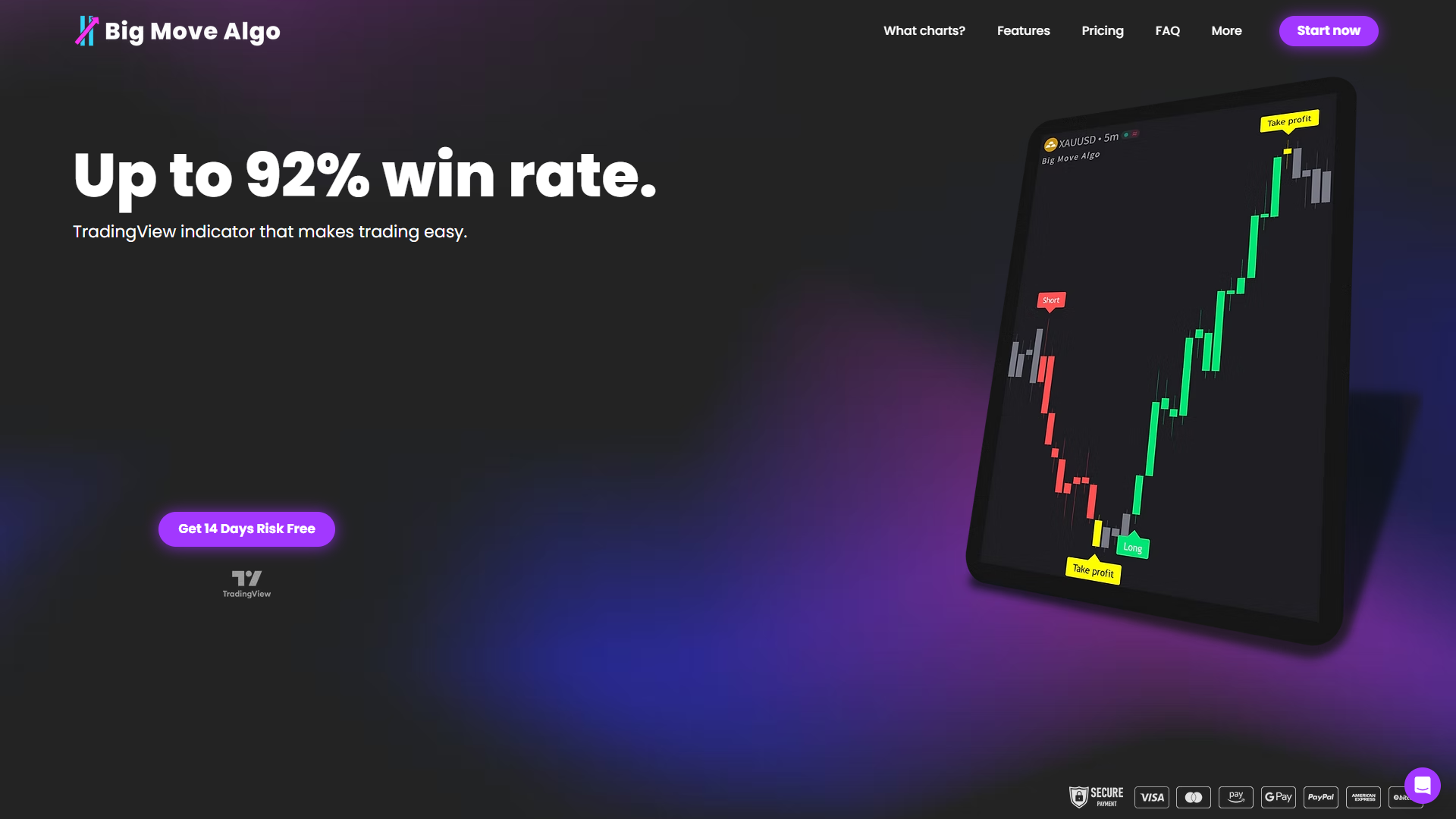
Big Move Algo is a proprietary TradingView indicator that generates clear Long, Short, and Exit signals in real time across crypto, forex, stocks, indices, and commodities. Its built-in Fake Trend Detector filters out low-quality market conditions so you are not trading noise. AUTO Mode gets you running with minimal setup, and the how to use guide walks you through every feature step by step. Explore Big Move Algo’s trading signals and see how structured signals complement the platform you just chose.
FAQ
What is a first trading platform checklist?
A first trading platform checklist is a structured list of criteria covering security, usability, risk tools, pricing, and regulatory compliance that new traders verify before committing to a platform. It prevents costly mistakes by making platform evaluation systematic rather than intuitive.
Which security features should I check on any trading platform?
Confirm that the platform offers two-factor authentication, segregated client accounts, and audit logs at minimum. These three features are the security baseline for any regulated trading platform.
Do I need a demo account before trading live?
Yes. A demo account lets you test execution speed, order types, and interface behavior without financial risk, and it is the only reliable way to evaluate whether a platform suits your trading style before depositing real money.
How do I compare trading platforms as a beginner?
Use a structured trading platform comparison that scores each option on regulation, security features, demo availability, risk management tools, fees, and customer support. Apply the same criteria to every platform so the comparison is objective rather than based on marketing.
When should I switch trading platforms?
Switch only after 60 to 90 days on your current platform and only if a specific, documented limitation is holding back your trading. Switching early due to losing trades is a behavioral pattern, not a platform problem.
Recommended
Comments