
3 Second TradingView Webhooks: Verify, Acknowledge, Enqueue
- Steven Hartwell

- 11 hours ago
- 7 min read

A TradingView webhook sends an HTTPS POST to a public endpoint the moment your alert fires. For automation you need a JSON payload, a paid TradingView plan, and an HTTPS URL that answers within three seconds. Most traders also need a relay in the middle, since TradingView’s POST alone can’t place an order at a broker.
TL;DR:
Using TradingView webhooks requires a paid plan, a valid HTTPS endpoint, and a relay to forward trade orders to a broker.
Proper payload configuration involves JSON with specific fields and placeholders, ensuring symbols are stripped of exchange prefixes to avoid rejection.
Testing payloads with tools like webhook.site and ngrok helps prevent order errors, especially with ticker formatting, expired alerts, or insufficient funds.
Security measures include handling API keys server-side, IP filtering, and minimizing payload data to prevent credential exposure.
Reliable automation hinges on verifying, acknowledging, and enqueuing webhook requests quickly, with comprehensive testing before live trading.
Table of Contents
What Is a TradingView Webhook and How Does It Work?
A TradingView webhook is an unauthenticated HTTP POST that fires the instant your alert condition is met. TradingView doesn’t sign the request or attach any credentials. It just sends the message you configured, straight to the URL you gave it.
That distinction matters for how you build around it. The webhook is transport, not execution. It carries a signal from TradingView to your server, but it can’t place a trade, check your balance, or talk to a broker on its own. Something downstream has to catch that POST and act on it.
The full pipeline looks like this: an alert triggers inside TradingView, TradingView fires a webhook POST to your endpoint, a relay validates and translates that payload, and only then does a broker API receive an order request. Skip the relay and you have a notification system. Build the relay and you have automated trading platforms working off your signals.
What Do You Need to Set Up TradingView Webhooks?
Webhook alerts require a paid TradingView plan. The free tier doesn’t expose the Webhook URL field in the alert notification panel, according to TradingView’s own blog post announcing the feature.
Your endpoint also has to meet a few hard technical constraints, straight from TradingView’s support documentation:
The URL must use HTTPS with a valid SSL certificate. Plain HTTP gets rejected.
Only ports 80 and 443 are accepted. Custom ports will fail silently.
TradingView sends from IPv4 addresses only. IPv6 endpoints won’t receive anything.
Your server has three seconds to respond. Anything slower and TradingView cancels the request.
Each alert has an expiration window, and TradingView caps how many active alerts you can run at once depending on your plan tier.
That three-second window is the single most common cause of “it worked in testing but not live.” Design for it from day one.
How Do You Configure a Webhook Alert in TradingView?
Setting one up inside TradingView takes a few minutes once you know the sequence. Here’s the order that actually works:
Pick your trigger. Choose an indicator condition, a strategy signal, or a price crossing. Decide between “once per bar close” (fires after confirmation, fewer false signals) and “once per bar” (fires immediately, faster but noisier).
Open the Notifications tab in the alert creation window and check the box for Webhook URL.
Paste your endpoint. This is where your relay, ngrok tunnel, or webhook.site test URL goes.
Write your message as JSON, not plain text. Include a shared secret field here, since TradingView won’t authenticate this for you.
Set the expiration. Open-ended alerts run until you cancel them or hit your plan’s active-alert cap; time-boxed ones expire automatically.
Test against webhook.site first. Fire the alert manually and confirm the raw payload lands exactly as expected before pointing it at anything live.
Skipping that last step is how people discover payload bugs with real money on the line instead of in a browser tab.
What Should a TradingView Webhook Payload Look Like?
Send valid JSON. If TradingView can parse your message as JSON, it attaches an application/json content-type header; malformed JSON falls back to text/plain, which most relays choke on, per TradingView’s configuration guide.
A minimal automation payload needs a handful of fields: a secret for validation, ticker, action (buy/sell/close), quantity, order_type, and a timestamp. Strategy-based alerts can pull in Pine Script placeholders directly, which is worth doing since strategy placeholders make the payload far more precise than a generic price alert.
Placeholder | Resolves to |
{{ticker}} | Symbol as TradingView formats it (e.g. AAPL) |
{{close}} | Closing price at the bar the alert fired on |
{{timenow}} | Server timestamp of the alert trigger |
{{strategy.order.action}} | “buy” or “sell” from the strategy |
{{strategy.order.contracts}} | Position size from the strategy call |
One catch worth flagging: TradingView often formats symbols with an exchange prefix, like NASDAQ:AAPL. Most broker APIs expect the bare ticker. Strip the prefix in your relay before you forward the order, or every trade request will bounce.
How Do You Test and Troubleshoot a TradingView Webhook?
Debug before you connect anything real. webhook.site gives you a disposable URL that logs every raw POST TradingView sends, so you can inspect headers and body content without writing a single line of server code. Once your payload looks right, ngrok lets you expose a local relay to the internet for a quick end-to-end check before deploying it anywhere permanent.
Three issues account for most silent failures:
Ticker format mismatch. Your relay expects AAPL; TradingView sent NASDAQ:AAPL.
Insufficient buying power. The broker rejects the order and TradingView never sees why.
Expired alerts. The alert quietly stopped firing days ago and nobody noticed.
Check the “Webhook status” column in your TradingView alert log first. It tells you whether TradingView’s own request succeeded or timed out. If that column is clean, the problem lives downstream, in your relay or the broker’s error response.
Pro Tip: Run every new alert configuration through a paper or sandbox broker account for at least a few sessions before it touches real capital. It’s the cheapest insurance you’ll ever buy against a bad ticker mapping.
For a concrete build, the Telegram alert relay and Binance execution guide both walk through this exact test sequence with a live example on the other end.
How Do You Secure a TradingView Webhook Integration?
Never put broker credentials in the payload. TradingView’s requests aren’t signed or encrypted beyond standard HTTPS, so anything you send is only as safe as your endpoint’s own validation. Store API keys and secrets server-side, never inside the alert message.
A shared secret field in the JSON is your first line of defense. IP allowlisting against TradingView’s published sender addresses adds a second layer, since most production setups combine a payload secret with IP filtering and schema checks rather than relying on either alone.
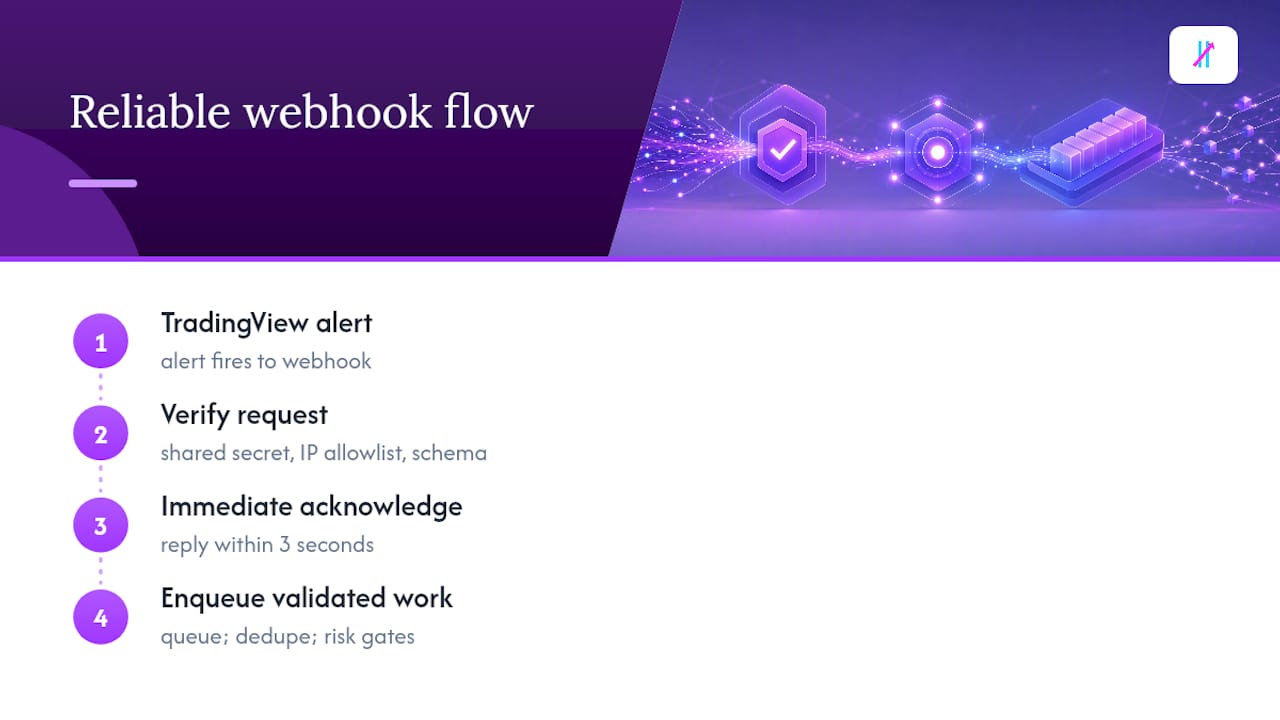
Because you’re working inside a three-second reply window, your endpoint should verify the request, acknowledge it immediately, and hand the actual work to a queue rather than trying to complete a broker round trip synchronously. Add deduplication so a retried alert doesn’t double your position, plus hard risk gates: daily loss caps, a max open-position count, and fixed position-sizing rules enforced at the relay, not left to chance. TradeDupe’s security guidance covers this pattern in more depth if you’re building the relay yourself.
An Engineer’s Checklist for Reliable Webhook Automation
If I had to compress everything above into a working rule, it’s this: verify, acknowledge, enqueue. In that order, every time. Skip the queue and you’re gambling that your broker call finishes inside a three-second window you don’t control.
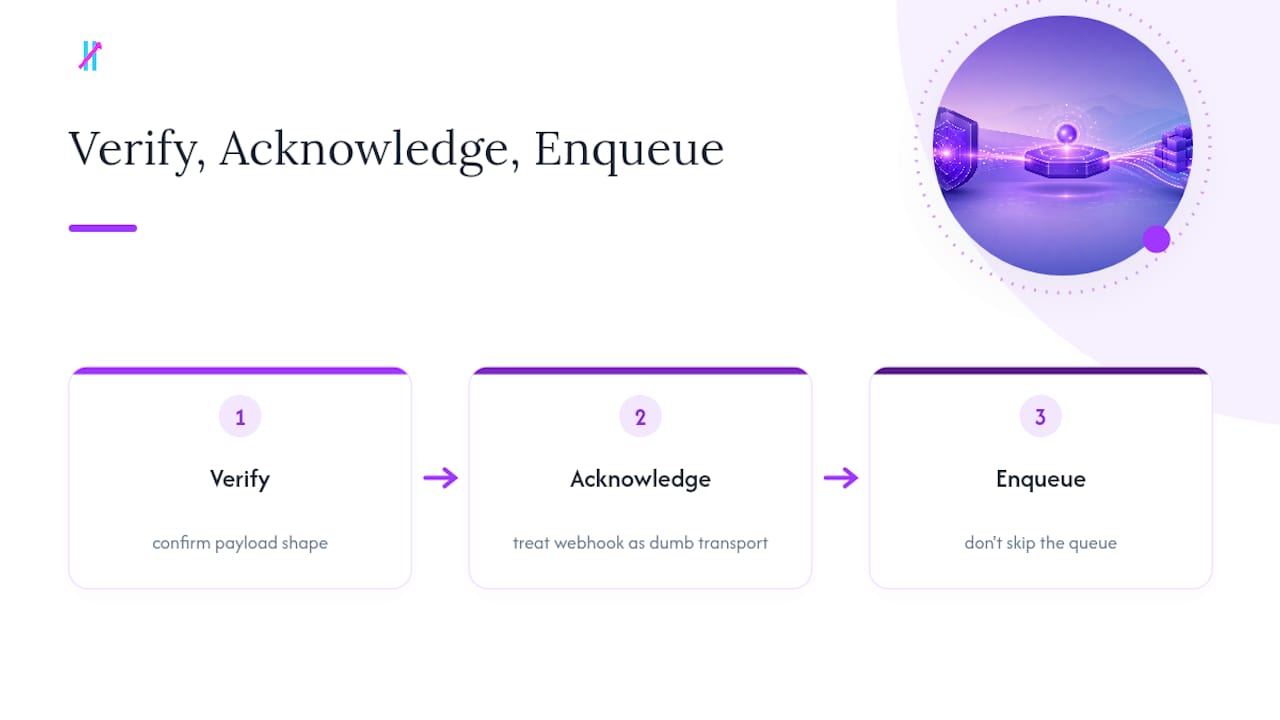
Treat the webhook itself as dumb transport. All the intelligence, all the risk logic, belongs in the relay, never in the alert message.
Test in this exact sequence: webhook.site to confirm payload shape, then ngrok to validate your relay end to end, then a paper broker to confirm order logic, and only then live capital. Anyone who shortcuts that order eventually pays for it.
— Steven Hartwell
Where Big Move Algo Fits Into Your Webhook Pipeline
Once your webhook pipeline works, the missing piece is usually the signal itself, not the plumbing. Big Move Algo runs as a TradingView indicator that outputs clear Long, Short, and Exit signals, built specifically to trigger the kind of alerts this article just walked you through.
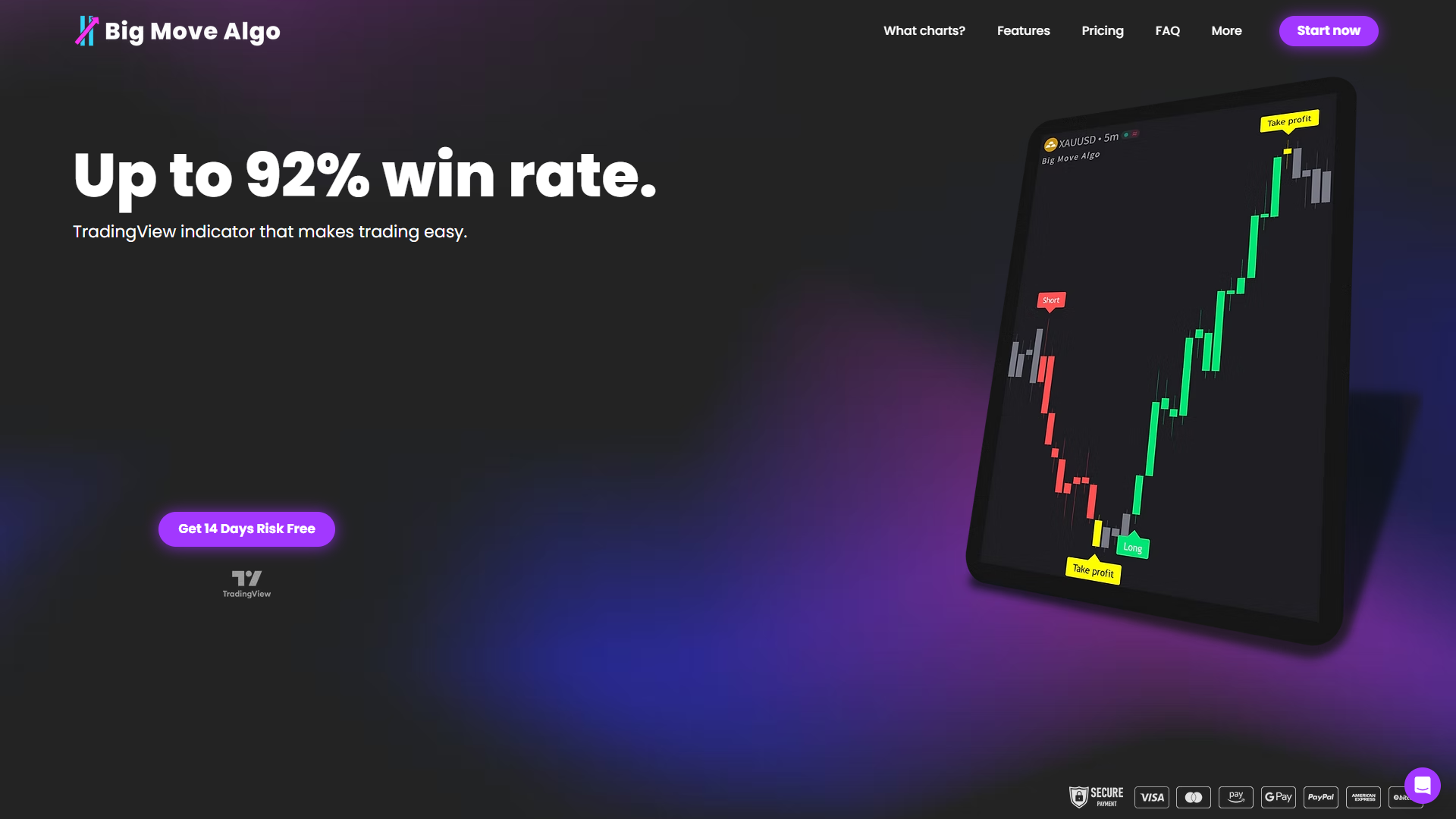
AUTO mode gets you firing webhook-ready alerts in minutes with almost no configuration, while Manual mode gives more experienced traders control over entry logic and filtering, including the built-in Fake Trend Detector that screens out choppy, low-quality conditions before they ever reach your relay. Big Move Algo runs across crypto, forex, stocks, indices, and commodities, works on unlimited devices, and updates for free as market conditions shift. Pair it with the relay and broker setup covered above, or start simpler with the indicator alert walkthrough if you haven’t wired up alerts yet. Check the Big Move Algo plans to see which mode fits your setup.
Where to Learn More About TradingView Webhooks
How to configure webhook alerts — TradingView: official setup steps, published IPs, and technical limits.
Webhooks for alerts now available — TradingView blog: the original feature announcement and integration context.
Pine Script Webhook Alerts — PineWiz: strategy placeholders and testing workflow.
Why TradingView Users Need External Tools in 2026 — Key-Trade: background on why relays are common in TradingView setups.
This article is general information, not a substitute for advice from a qualified financial advisor. Consult a qualified financial professional about your own circumstances before acting on anything here.
Sources
Recommended
Comments