
Best TradingView Signal Indicators as TradersPost.io Alternatives
- Steven Hartwell

- 1 day ago
- 8 min read

If you want a TradingView-based signal indicator that tells you exactly when to go Long, Short, or Exit — Big Move Algo is the recommended pick for U.S. retail traders at the beginner-to-intermediate level. Lux Algo is a legitimate runner-up worth knowing about.
Trading indicators are filters, not crystal balls. They translate price and volume into repeatable, documented rules that reduce emotional decision-making. The best ones for this audience do three things well: signal clearly, manage risk automatically, and work across multiple markets without a steep learning curve.
Here is what separates a good pick from a frustrating one:
Clear Long/Short/Exit signals painted directly on the chart, no interpretation required
ATR-based adaptive stop loss and take profit that adjust to current volatility instead of using static price targets
AUTO and MANUAL modes so beginners can start immediately and experienced traders can customize later
Multi-market support across crypto, forex, stocks, indices, and commodities
Webhook/alert support for connecting to automation tools
Table of Contents
What are the best TradersPost.io alternatives for signal indicators?
What other TradingView-style indicators are worth considering?
What risk management features should a signal indicator actually include?
How do you test a signal indicator safely before risking real money?
The indicator most traders overlook is the one that says “don’t trade”
Clear signals, built-in risk management, and a safe way to start
What are the best TradersPost.io alternatives for signal indicators?
Indicator | Best For | Markets | Long/Short/Exit | AUTO Mode | ATR SL/TP | Webhooks | Price Shape |
Big Move Algo ⭐ | Beginner–Intermediate | Crypto, Forex, Stocks, Indices, Commodities | ✅ All three | ✅ Yes | ✅ Yes + Fake Trend Detector | ✅ Yes | Subscription via Stripe; instant access |
Lux Algo | Intermediate–Active | Stocks, Crypto, Forex | ✅ All three | Partial | ✅ Yes | ✅ Yes | Subscription; tiered plans |
Nexus v10 (Petecasso) | Intermediate | Stocks, Crypto | Buy/Sell only | ❌ No | Partial (ATR-based) | ✅ Yes | Free (public script) |
TradeChartist Entry/Exit | Beginner–Intermediate | Stocks, Crypto, Forex | Buy/Sell + dynamic trigger | ❌ No | Trailing SL only | ✅ Alerts | Free (public script) |
Big Move Algo is the only option in this shortlist that combines a dedicated Fake Trend Detector with both AUTO and MANUAL modes out of the box. That matters most when markets are choppy and a lesser indicator would fire signals into noise.
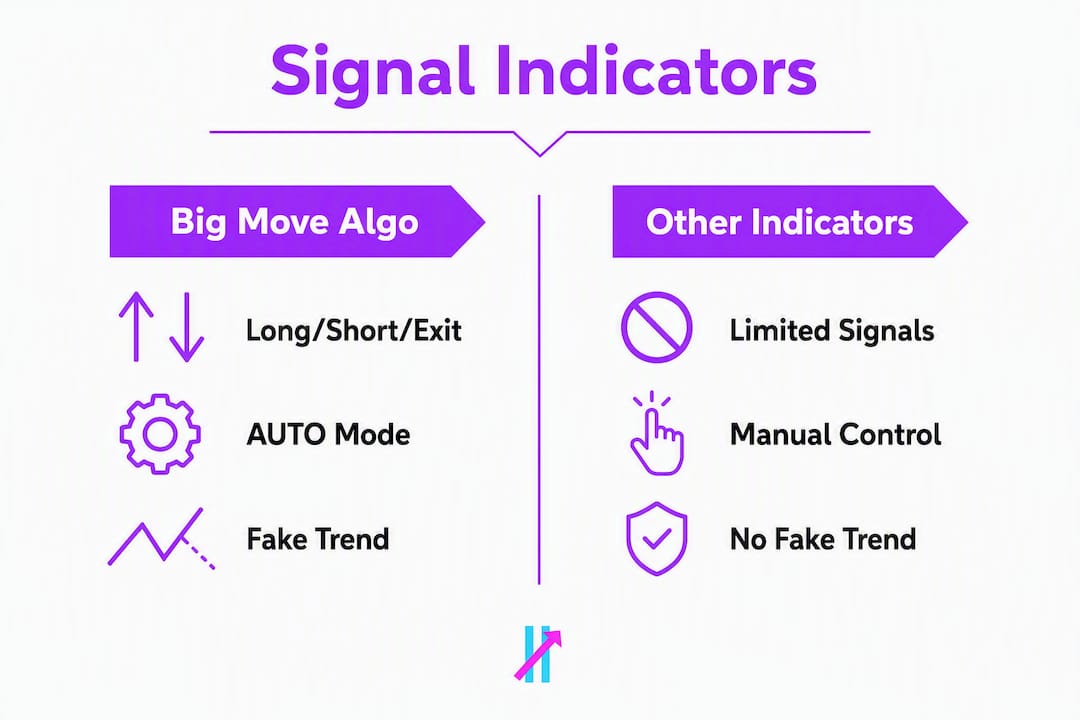
A note on accuracy: no indicator guarantees a win rate. The meaningful question is whether the indicator’s risk management keeps losses smaller than wins over time. ATR-based exits are the standard method for that.
How do you choose the right TradingView signal indicator?
Start with this checklist before you subscribe to anything:
Signal clarity: Does it paint explicit Long, Short, and Exit labels on the chart, or do you have to interpret crossovers yourself?
Built-in risk management: Does it expose ATR-based SL/TP values you can actually use, or does it leave that entirely to you?
AUTO vs MANUAL mode: Can a beginner get started without touching settings?
Webhook/alert support: Can it fire TradingView alerts to an automation tool or your phone?
Testability: Can you run it on paper trading or replay bars before risking real capital?
Markets supported: Does it cover the assets you actually trade?
Update frequency and support: Is the script actively maintained, or was it last updated two years ago?
Questions worth asking before you pay:
Does the script expose ATR multiplier inputs so you can adjust SL/TP to your risk tolerance?
Can you set a minimum bars-between-signals cooldown to reduce overtrading?
Is there a documented refund or trial policy?
Does the vendor show a track record or community reviews?
Red flags to walk away from: scripts that repaint historical signals to look better in hindsight; no documented risk management; no webhook or alert support; vague or absent refund policy. Community scripts vary widely in reliability — always check the publication date and comment section before trusting one.
Big Move Algo: features, modes, and what you actually get

Big Move Algo delivers Long, Short, and Exit signals in real time on TradingView, with ATR-based dynamic stop loss and take profit built directly into the indicator. You do not need to calculate stops manually.
Core features:
Long, Short, and Exit signal labels painted on the chart
AUTO Mode for instant setup with no configuration required
MANUAL Mode for traders who want to adjust sensitivity, timeframes, and signal filters
Fake Trend Detector that filters out low-quality market conditions before firing a signal
ATR-based SL/TP that adapts to volatility on any timeframe
Cooldown/minimum bars setting to reduce signal noise
Webhook-ready TradingView alerts for automation integration
Works across crypto, forex, stocks, indices, and commodities
Unlimited devices; free updates included
Pricing runs on a subscription model with payment processed through Stripe and instant access after purchase. The Big Move Guard product page has current plan details and refund policy.
Pro Tip: When you first subscribe, start in AUTO Mode for at least two weeks. Watch how the Fake Trend Detector filters out signals during sideways conditions. Only switch to MANUAL Mode once you understand which signal types you want to adjust.
What other TradingView-style indicators are worth considering?
Lux Algo is the most polished paid alternative for traders who want a feature-rich suite. It includes signal overlays, oscillators, and a backtesting toolkit. The learning curve is steeper than Big Move Algo, and the pricing tiers can get expensive for a beginner who only needs signals. It does not offer a dedicated fake-trend filter comparable to Big Move Algo’s.
Nexus v10 (by Petecasso) is a free public script that synthesizes Heikin Ashi candles, RSI, ADX, and EMA crossovers into buy/sell signals. It is a solid learning tool. The caveat: it does not have an AUTO mode, and you will need to configure it yourself. High-confluence scripts like Nexus use score thresholds and ATR-based gating to reduce false signals, which is the right approach, but the setup demands more from the user.
TradeChartist Entry/Exit Indicator plots high-probability buy and sell signals with a dynamic trigger line that doubles as a trailing stop reference. It is beginner-friendly and free, but it lacks a full EXIT signal and does not include a trend-quality filter. Good for learning; not ideal as a primary tool for live trading.
The four dimensions that matter most when comparing any of these: signal clarity (Long/Short/Exit vs Buy/Sell only), ATR SL/TP exposure, webhook/alert support, and whether a fake-trend or noise filter is built in. Combining indicators from different categories — trend, momentum, volatility — reduces redundant signals and improves overall quality.
What risk management features should a signal indicator actually include?
ATR-based adaptive SL/TP and a trade invalidation method are the two features that separate a useful indicator from a dangerous one. Static stops ignore volatility. A stop that was right for a calm Tuesday will get you stopped out on a volatile Friday before the trade has a chance to work.
ATR multipliers are the standard method for adaptive stops: the stop distance equals the ATR value multiplied by a user-defined factor (commonly 1.5x–2.5x for the stop, 2x–4x for the target). A simple example: if ATR on the 4H chart is $200 and your multiplier is 2, your stop sits $400 from entry.
Beyond the formula, mark an invalidation area on every trade: the most recent swing low for longs, the most recent swing high for shorts. If price breaches that level, cancel the trade regardless of what the indicator says. This one habit prevents hope-based holding.
Pro Tip: When running Big Move Algo with webhook automation, set the minimum bars-between-signals cooldown to at least 3 bars on your chosen timeframe. Cooldowns prevent rapid-fire signals in choppy markets and are especially important on lower timeframes like the 15-minute chart.
How do you test a signal indicator safely before risking real money?
Follow this sequence before committing live capital:
Paper trade for two to four weeks on TradingView’s built-in paper account. Use the same timeframe you plan to trade live. Record every signal the indicator fires.
Backtest using replay bars on TradingView. Step through historical bars and log each signal, the ATR-based SL/TP levels, and the outcome. Aim for a substantial number of completed trades before drawing conclusions to ensure adequate data.
Check your results against this minimum threshold: positive expectancy (average win × win rate exceeds average loss × loss rate), max drawdown you can tolerate, and alert latency under 5 seconds for automation.
Go live with minimum position size — 0.5%–1% of account per trade — and run for another 30 trades before scaling up.
Track these data points for every test trade:
Timeframe and asset
Win rate and average risk-to-reward ratio
Maximum drawdown during the test period
Number of signals fired (too many signals on a short timeframe is a noise problem)
Alert delivery latency if using webhooks
Pine Script documentation is the canonical reference for verifying whether a script exposes ATR multipliers, cooldown inputs, and SL/TP values needed for backtesting. If those inputs are not visible in the script settings, you cannot properly backtest it. That alone is a reason to look elsewhere. For a practical walkthrough of how to trade stocks using technical signals, the step-by-step process applies equally to any asset class.
Key Takeaways
Big Move Algo is the strongest TradingView signal indicator for U.S. retail traders who want clear Long/Short/Exit signals, built-in ATR-based risk management, and a fake-trend filter without a steep setup curve.
Point | Details |
Recommended pick | Big Move Algo offers Long/Short/Exit signals, AUTO Mode, Fake Trend Detector, and ATR SL/TP in one indicator. |
Top evaluation criteria | Check for explicit signal labels, ATR-based SL/TP inputs, webhook support, and a documented refund policy. |
Red flag to avoid | Scripts that repaint historical signals or lack any built-in risk management are not suitable for live trading. |
Safe testing sequence | Paper trade for 2–4 weeks, backtest using replay bars, then go live at 0.5%–1% position size. |
Big Move Algo next step | Start with AUTO Mode on the Big Move Guard plan; switch to MANUAL Mode after two weeks of live observation. |
The indicator most traders overlook is the one that says “don’t trade”
Most indicator comparisons focus on entry signals. The more important question is what the indicator does when conditions are bad. A Long signal fired into a fake breakout is worse than no signal at all. That is why the Fake Trend Detector in Big Move Algo is the feature I keep coming back to when recommending it to traders who are newer to reading market structure.
The conventional wisdom says more features equal more control. In practice, the traders who struggle most are the ones running five indicators that all say the same thing in different colors. Fewer, cleaner signals with built-in noise filtering outperform complex setups in most real-world conditions. The research backs this up: high-confluence systems intentionally reduce signal frequency to improve probability. Big Move Algo’s design reflects that principle directly.
Clear signals, built-in risk management, and a safe way to start
Big Move Algo gives you something most signal indicators skip: a built-in filter that tells you when not to trade. Combined with ATR-based stops, AUTO Mode for fast onboarding, and webhook support for automation, it covers the full workflow from signal to exit without requiring you to bolt on extra tools.
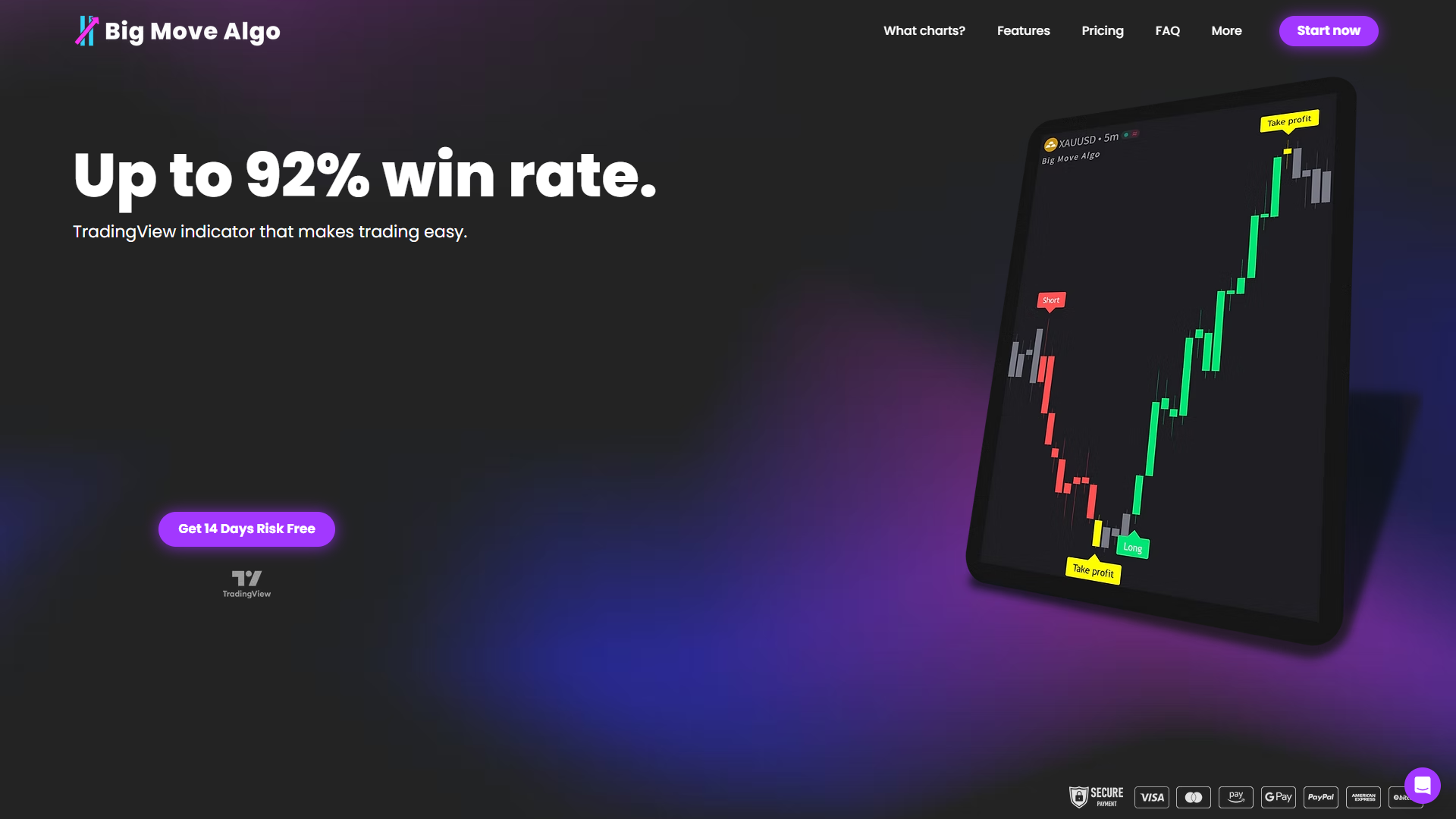
Payments run through Stripe with instant access after checkout. Free updates are included with every plan. The recommended first step is to run it on paper trading for two weeks in AUTO Mode before touching any live capital.
Start with Big Move Guard and see how the Fake Trend Detector changes how you read the market.
Useful sources and further reading
This article is general information for educational purposes only, not financial or investment advice. Verify current platform rules, broker compatibility, and regulatory requirements with a qualified professional before trading.
Recommended
Comments